
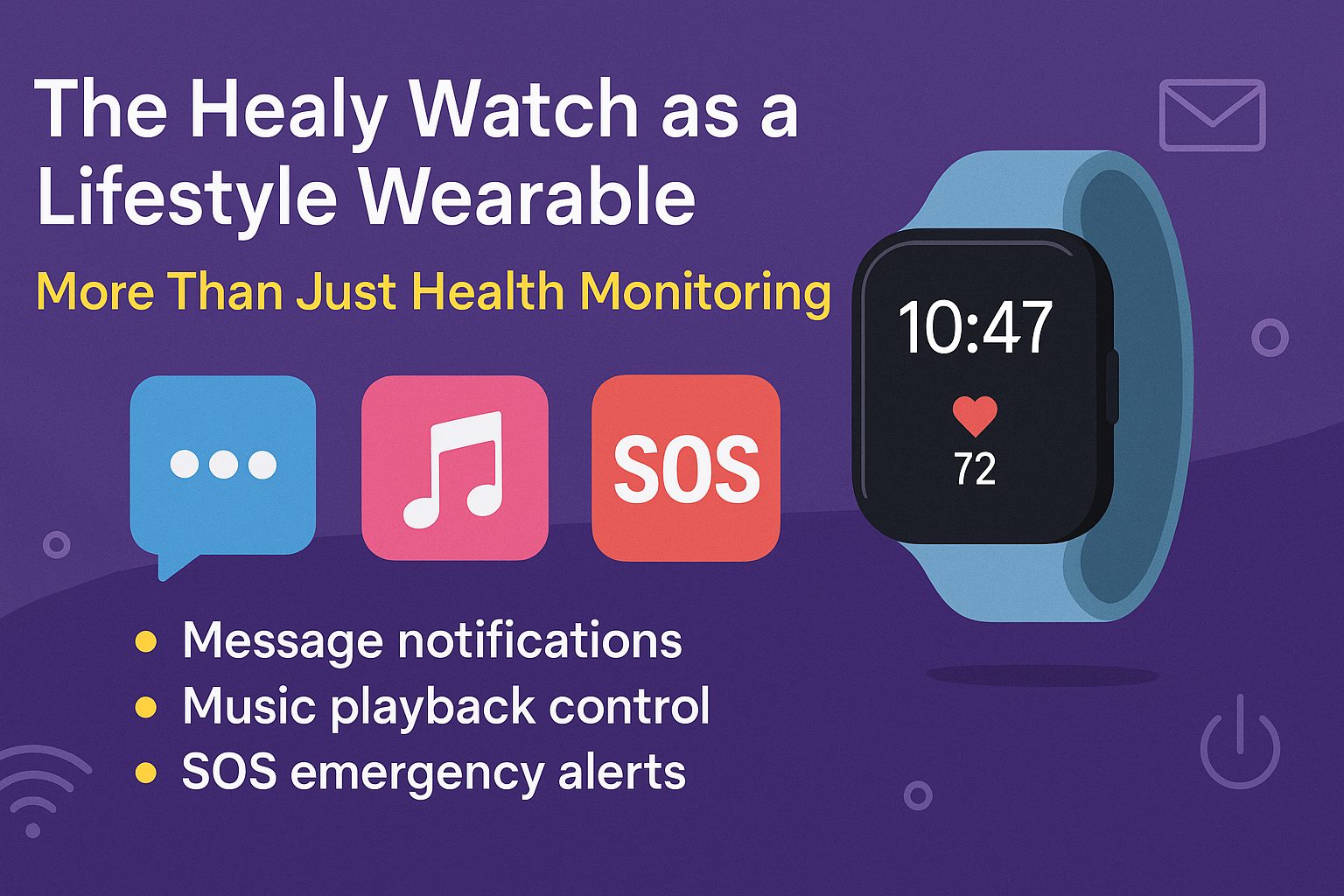
The Healy Watch, widely known for its integration with frequency wellness programs and the HealAdvisor Search Module, offers far more than wellness tracking. It also functions as a practical daily companion — combining smart features like message alerts, music playback controls, and an SOS emergency signal into a single wearable.
Disclaimer
This article is intended for informational purposes only. It does not constitute medical advice, diagnosis, or treatment.
The Healy Watch is a lifestyle and wellness tool and is not a substitute for professional medical monitoring or emergency response devices.
Emergency SOS feature depends on Bluetooth connectivity and the functionality of the paired smartphone — it does not operate independently as a personal emergency response system (PERS).
Individual experiences with Healy Watch features such as notifications, music control, and SOS alerts may vary depending on phone model, operating system version, and app permissions.
Users should always test all watch functions (especially emergency features) after setup to ensure proper operation.
The integration and support of third-party apps (e.g., WhatsApp, Spotify) are subject to change by app developers or operating system updates.
Frequency4All is an authorized distributor and provides information based on available device documentation and user experience — not direct development of Healy hardware or software.
Always consult your healthcare provider before making any decisions based on wearable device data.
This article breaks down how each of these lifestyle functions works, when to use them, and how they add value to everyday routines — particularly for individuals who already use Healy products for wellness purposes.
- Stay Updated with Message Notifications
The Healy Watch can connect to your smartphone via Bluetooth, enabling push notifications for incoming calls, text messages, and app alerts. This feature is designed for convenience — allowing users to stay updated without reaching for their phones constantly.
Supported Notifications:
- Calls: See the name or number of the caller
- Messages: View message previews from SMS, WhatsApp, Messenger, Telegram, and more
- Apps: Receive alert previews from supported apps installed on your phone
How to Enable:
- Ensure the Healy Watch App has notification permissions enabled on your smartphone
- Keep Bluetooth active and your watch within range
- Customize which apps can send alerts from the watch settings
This function is especially useful in situations where phone access is limited — like during exercise, meetings, or while commuting.
- Control Music Without Touching Your Phone
Another functional benefit of the Healy Watch is music playback control. It allows users to manage audio streaming from their phone or connected device, using simple controls available directly on the watch screen.
Available Music Functions:
- Play / Pause: Start or stop your current track
- Next / Previous Track: Skip or return to a previous song
- Volume Control: Some devices allow for adjusting volume from the watch (depending on compatibility)
Compatible With:
- Most music apps including Spotify, Apple Music, YouTube Music, and local music players
- Devices running Android 8.0+ and iOS 12.0+
- Works through standard Bluetooth connection between the watch and smartphone
The goal here isn’t to replace a full music app — it’s to avoid interruptions. Whether you’re jogging, meditating, or working, this feature keeps you in control without pulling out your phone.
- Safety First: SOS Emergency Function
The SOS feature is one of the most important lifestyle additions to the Healy Watch — particularly for solo users, elderly individuals, or those with medical concerns.
How It Works:
- The user sets up an emergency contact in the Healy Watch App
- In a real emergency, pressing and holding a specific button on the watch will send a predefined text message to the saved contact
- The message may include location coordinates, provided your smartphone’s GPS is active and connected
- The alert is sent via the smartphone’s SMS or messaging app — not via the watch’s own signal

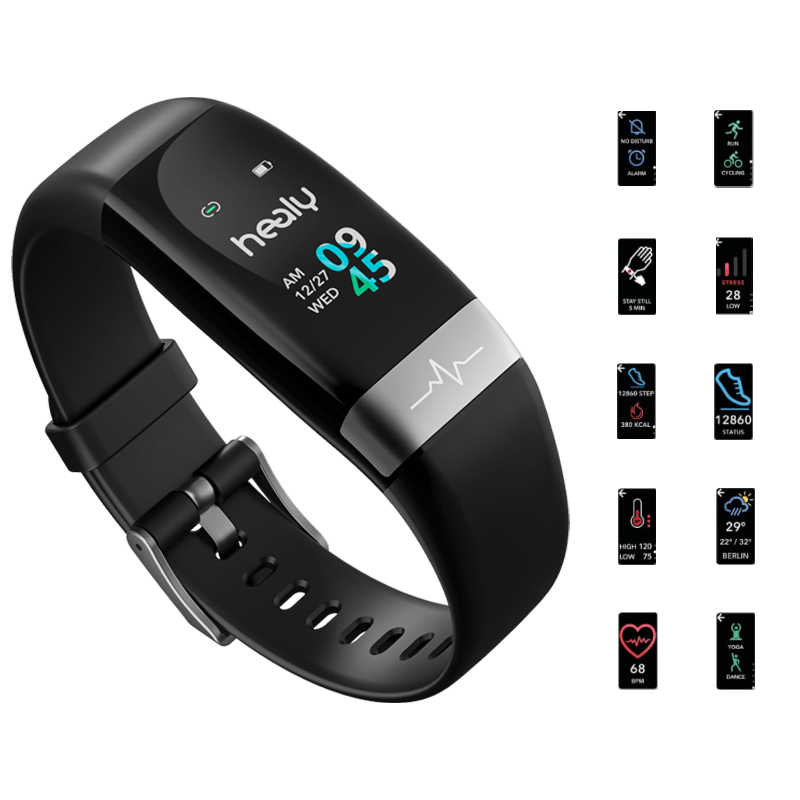
Setup Steps:
- Open the Healy Watch App
- Go to Settings > Emergency Contact
- Input a mobile number and custom message
- Make sure location sharing is enabled on your phone
- Test the function to confirm it’s working properly
This function requires the smartphone to be nearby and connected via Bluetooth. It’s not a satellite-based or independent GSM emergency alert system, so it depends on the phone being functional and within range.
How Lifestyle Features Complement Wellness Monitoring
When paired with the HealAdvisor Search Module, these lifestyle features make the Healy Watch a well-rounded device that supports both health and convenience:
- Notifications ensure you’re not distracted by your phone while running Healy IMF programs
- Music control allows for smooth transitions between Healy sound therapies or mindfulness sessions
- SOS functionality offers peace of mind when running relaxation or stress programs alone or in unfamiliar environments
For those using Healy products to support stress, sleep, and emotional balance, minimizing outside interruptions becomes part of the routine. These features make that possible in a simple, non-intrusive way.
Additional Notes on Compatibility and Limitations
- Battery Life: Using continuous notifications and music control may reduce battery faster than health-only usage
- Bluetooth Range: All lifestyle functions rely on a stable Bluetooth connection within approximately 10 meters
- Phone Dependency: All alerts and controls are sent or managed via the connected smartphone — the Healy Watch itself does not contain a cellular modem
- Privacy: Your data is handled within the secure Healy ecosystem, but users should still manage notification settings to avoid sensitive content appearing on the watch face
Final Thoughts
The Healy Watch is much more than a wellness tracker. It brings useful everyday functions like message viewing, music playback, and SOS alerts into one device — streamlining your day while staying connected and safe.
When used alongside the HealAdvisor Search Module, these tools create a bridge between practical daily management and long-term wellness planning.
Whether you’re running a program for stress, sleep, or focus, you don’t have to step out of your flow to manage your phone or check notifications. Everything you need is on your wrist — simple, practical, and ready to use.
Get the Healy Watch at frequency4all
Explore the full range of Healy-compatible devices and modules at frequency4all. We offer reliable support and product guidance for users looking to get more from their Healy experience.
FAQs: Healy Watch Lifestyle Features
Q1: What smart features does the Healy Watch offer beyond wellness tracking?
The Healy Watch offers smart features beyond wellness tracking, such as message notifications, music playback control, and an SOS emergency alert function. These features enhance daily convenience and safety, making it a multifunctional wearable.
Q2: How to enable message notifications on the Healy Watch?
To enable message notifications on the Healy Watch, ensure that Bluetooth is turned on, grant notification permissions to the Healy Watch app, and customize app alerts in your smartphone’s settings. This lets you receive calls, texts, and app alerts directly on your wrist.
Q3: Can the Healy Watch control music from Spotify or Apple Music?
Yes, the Healy Watch allows you to control music from Spotify, Apple Music, YouTube Music, and more. You can play, pause, skip tracks, or even control volume (on supported devices), helping you stay focused during workouts or relaxation.
Q4: How does the SOS emergency function work on the Healy Watch?
The SOS emergency function on the Healy Watch lets you send a predefined alert message and location to a contact by pressing and holding a button. It requires your smartphone to be connected via Bluetooth and location services enabled.
Q5: Is the Healy Watch a standalone emergency alert system?
No, the Healy Watch is not a standalone emergency alert system. It relies on your smartphone’s SMS or messaging services to send emergency alerts, so it cannot function independently in emergencies if the phone is out of range or turned off.
Q6: What devices are compatible with Healy Watch lifestyle features?
The Healy Watch lifestyle features work with most smartphones running Android 8.0+ or iOS 12.0+. App notifications and music controls may vary depending on your device, operating system, and Bluetooth stability.
Q7: How does the Healy Watch improve your daily routine?
The Healy Watch improves your daily routine by letting you manage notifications, control music, and use emergency alerts without reaching for your phone. This streamlines your day, especially during workouts, mindfulness sessions, or when on the go.
Q8: Can I use the Healy Watch lifestyle features while running Healy IMF programs?
Yes, you can use Healy Watch lifestyle features while running Healy IMF programs. Notifications and music control help reduce distractions, and the SOS feature adds safety when using wellness programs alone or in unfamiliar places.
Q9: Where can I buy the Healy Watch and compatible modules?
You can buy the Healy Watch and Healy-compatible modules at frequency4all, a trusted source offering product support, usage guidance, and the latest device options for wellness and lifestyle integration.
References
-
Healy World Official Website – https://www.healyworld.net
-
Healy Watch User Manual – Included documentation from official Healy Watch packaging and setup guide.
-
Healy Watch App (iOS & Android) – Functionality confirmed via app settings and permissions walkthrough.
-
Bluetooth Technology Specs – Referenced for range and compatibility: Bluetooth.com
-
Frequency4All – Product availability, user support, and device compatibility: https://www.frequency4all.com
-
Third-party App Compatibility – Spotify, Apple Music, WhatsApp, Telegram via official app documentation and integration testing.
-
Healy Community Forums & Support Resources – Peer-reviewed experiences, usage guidance, and troubleshooting support.


